
AfricArXiv is a free platform for sharing African research quickly and openly with the global community.
All published research items receive:
- An open license that allows reuse (for example, CC BY 4.0 for manuscripts)
- A DataCite DOI (a permanent digital identifier)
- Indexing in academic databases
Important: AfricArXiv is not a journal and does not peer-review or assess the scientific quality of submissions. Once uploaded, research items remain permanently available unless fraud, plagiarism, or other serious issues are confirmed after investigation.
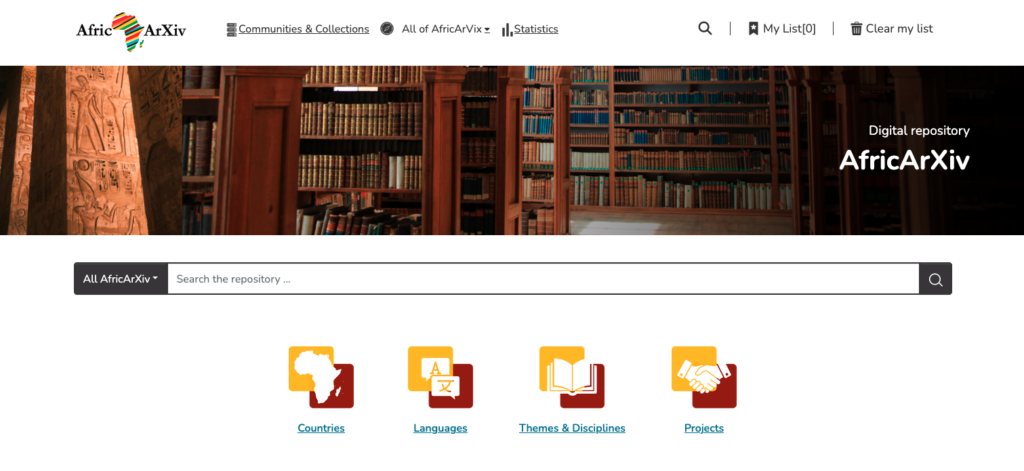
Submit your research here:
Who Can Submit?
AfricArXiv welcomes submissions from:
1. African researchers
- Researchers based in Africa
- African researchers working at institutions outside Africa
2. Non-African researchers
Researchers who:
- Conduct research in Africa
- Study topics related to African affairs and
- Include African collaborators as co-authors
3. Organizations
Including:
- Government institutions
- NGOs
- Community organizations
- Research-focused organizations
What Can Be Submitted?
Research documents
Accepted examples include:
- Research manuscripts
- Review papers
- Project proposals
- Case studies
- Method descriptions
- Technical notes
- Negative or null research results
- Peer-review reports
- Policy papers
- Annual reports
- Translations of research documents
Other research outputs
You can also submit:
- Datasets
- Software/code
- Presentations
- Posters
- Audio recordings
- Video recordings
If you have another type of research output, contact info@africarxiv.org.
How to Submit Your Work
Submit your research through: https://repository.africarxiv.org/
The process has three main steps:
- Create an account
- Upload your research item
- Add information about your submission (metadata)
Step 1: Create an Account
- Register using: https://repository.africarxiv.org/register
- Your email address, or
- Your ORCID iD
ORCID provides a permanent researcher identifier that connects your publications, affiliations, grants, and other academic contributions.
To learn more about ORCID, visit https://orcid.org/
- Check your email and follow the registration instructions.
- Accept the user agreement.
- Link your AfricArXiv account with ORCID (optional but recommended).
- Create a password and log in.
Step 2: Submit Your Research Item
After logging in:
- Click “+ New”
- Select “Item”
- Choose a collection:
- For general submissions, select “General Repository”
- If your work belongs to a specific AfricArXiv collection, select that collection
If you need access to a special collection, contact submit@africarxiv.org
Step 3: Add Submission Information (Metadata)
Complete the required fields marked with *.
Upload your file*: Upload your research document or file. If the upload fails, 1) Try uploading again, and 2) Refresh your browser.
Author/Authors*: Add the authors of the item. Please click on “+ add more” to list contributing authors separately. Use the format: [Surname, Given Name/s] e.g., [Akinyi, Wambui].
Title*: Enter the title of your research item.
Other titles: You may add here: Local-language titles | Alternative titles | Translated titles
Date of issue*: Add the current date, or the original publication date (if previously shared).
Identifiers*: Add existing identifiers if available, such as: DOI, URL, ARK, Handle. AfricArXiv will automatically assign a DOI after submission.
Other Identifiers: If there are other related items, such as blog posts, you can add their links as other DOIs. If translations of the uploaded item exist in the repository, please add their DOIs.
Type*: Choose the type of research output: Article, Book chapter, Dataset, Presentation, Preprint, Poster
Language*: Select the language of your submission.
Subject keywords*: Add keywords describing your research. Choose from suggested terms or add your own.
Abstract: Add your research summary if available.
Sponsors: Include: Funders | Grant information | Funding codes
Description*: Here you can add any other information you would like to add and point to related work this item might refer to.
Contact email*: Provide an email address for questions about the submission.
Deposit license*: Read and accept the license allowing AfricArXiv to store and share your work.
Before Uploading Research Articles
Make sure:
✅ You own the copyright or have permission to share the material
✅ All contributors agree to upload the work
✅ You upload the correct version of your manuscript
For journal submissions, the safest version to upload is usually: The manuscript version before journal peer review
If your article is published openly and you retain copyright, you may be able to upload the published version.
Check journal Open Access policies using the JISC Open Policy Finder (go to https://openpolicyfinder.jisc.ac.uk/oa-compliance).
For choosing journals, explore:
- Directory of Open Access Journals – https://doaj.org/
- African Journals Online – https://www.ajol.info/index.php/ajol
- Think. Check. Submit. – https://thinkchecksubmit.org/journals/
Editing Your Submission
After logging into your AfricArXiv account, go to your submitted item and open the item’s details page.
Select the Edit option to update the metadata fields, such as title, authors, keywords, abstract, description, or other information.
Make the necessary changes, review the updated details, and save your changes.
Need Help?
If you experience problems submitting your work, contact submit@africarxiv.org.
Submit your research here: